Skip to content

Apps

A small family of everyday apps.

Each one sets out to do one job well. All of them are designed, built and supported independently — and made for Apple platforms from the ground up.

On the App Store
6
Platforms
iPhone, iPad, Mac, and Apple Watch

On the App Store

6 apps
Noota

Productivity · AI note taking

Anything in. Clarity out.

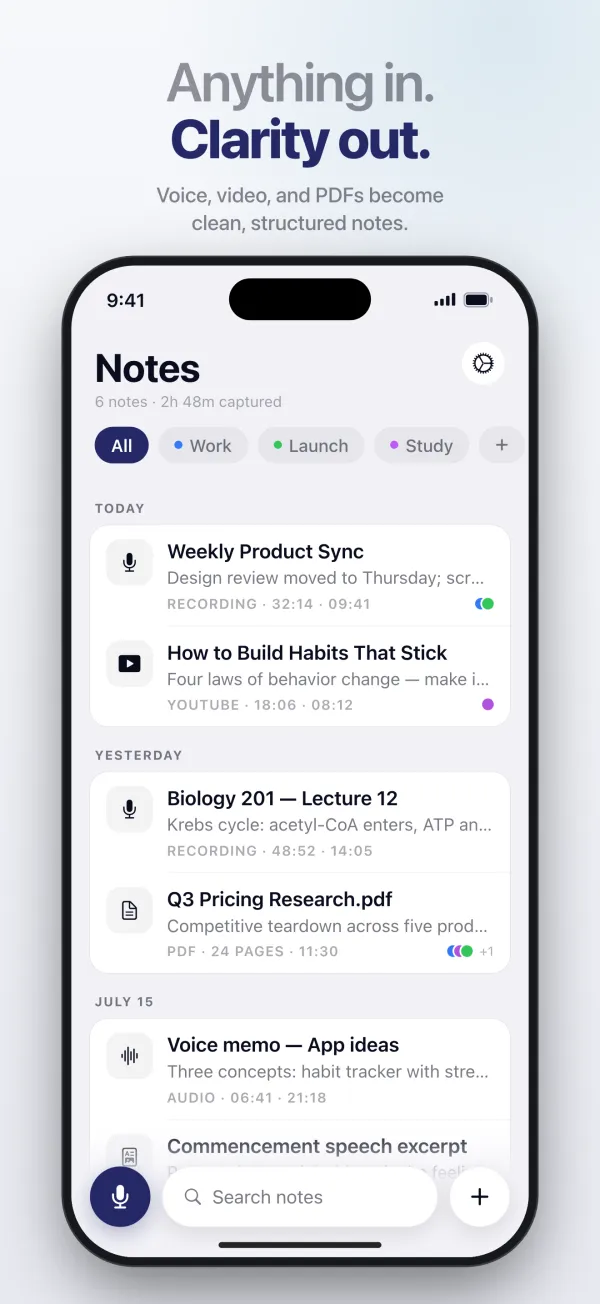
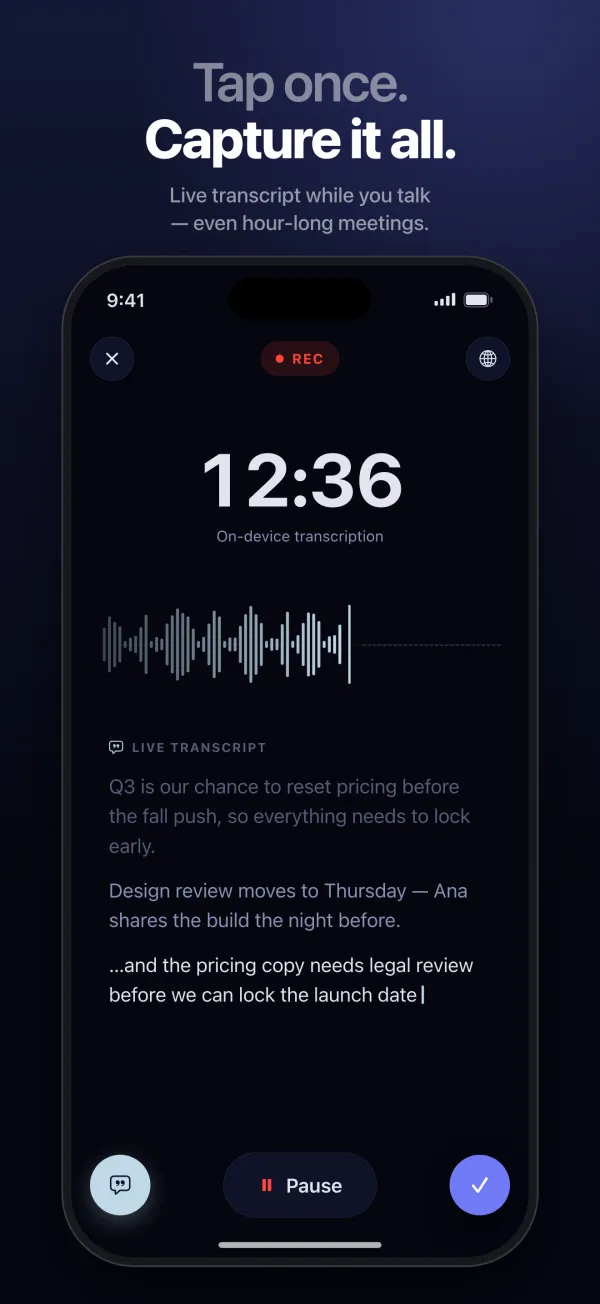
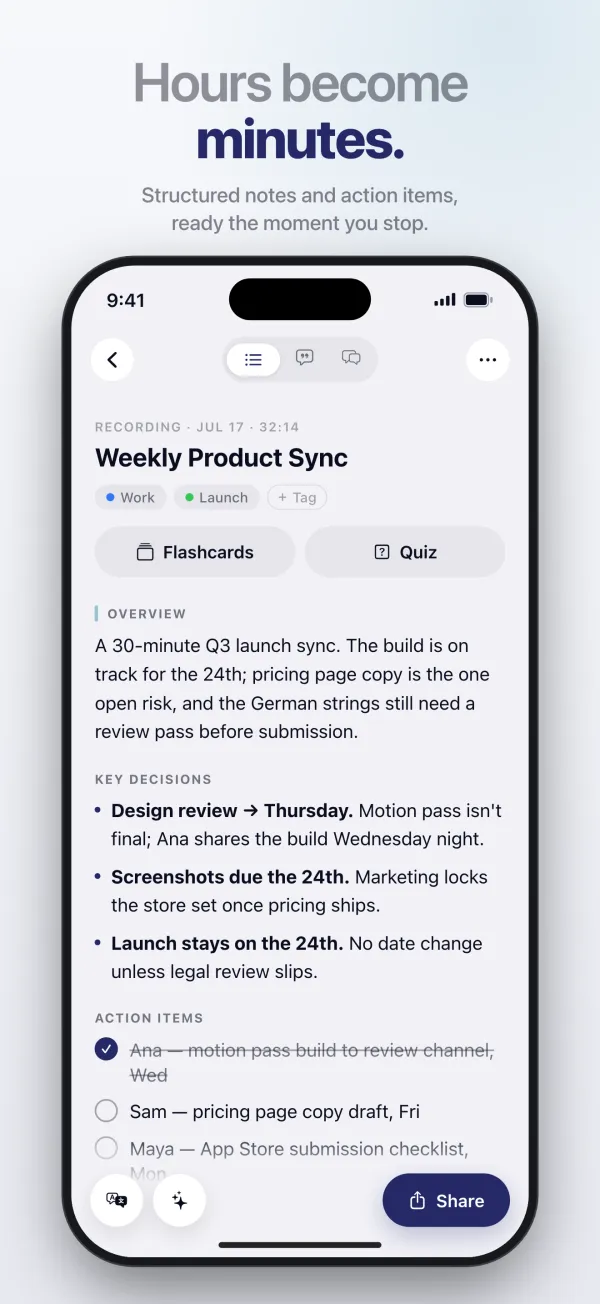
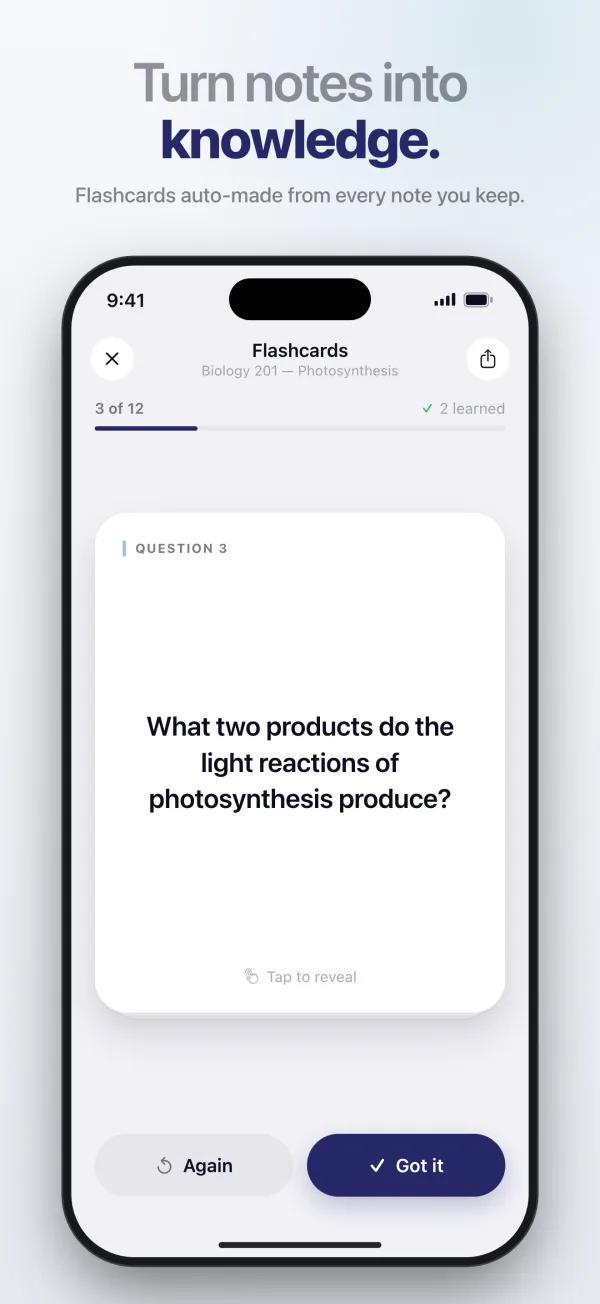
Record a meeting or a lecture, or drop in a PDF or a video, and get back clean notes, a summary and flashcards. Recordings are transcribed on your device.

Available for iPhone, iPad, Mac, and Apple Watch

  • Noota’s library, with recordings, a video and a PDF grouped by day, under the headline “Anything in. Clarity out.”
  • Recording a meeting while the transcript appears live, under the headline “Tap once. Capture it all.”
  • A meeting turned into a summary with key decisions and action items, under the headline “Hours become minutes.”
  • A flashcard made from a lecture note, under the headline “Turn notes into knowledge.”

Tempus

Productivity · Daily planning

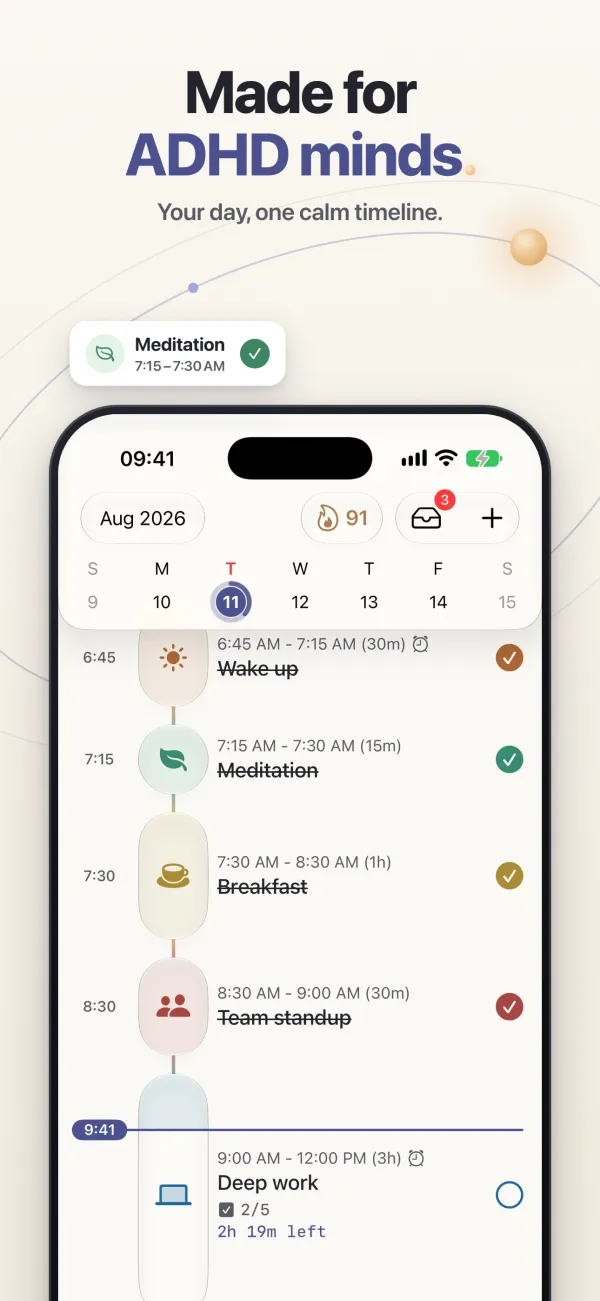
Your day, one calm timeline.

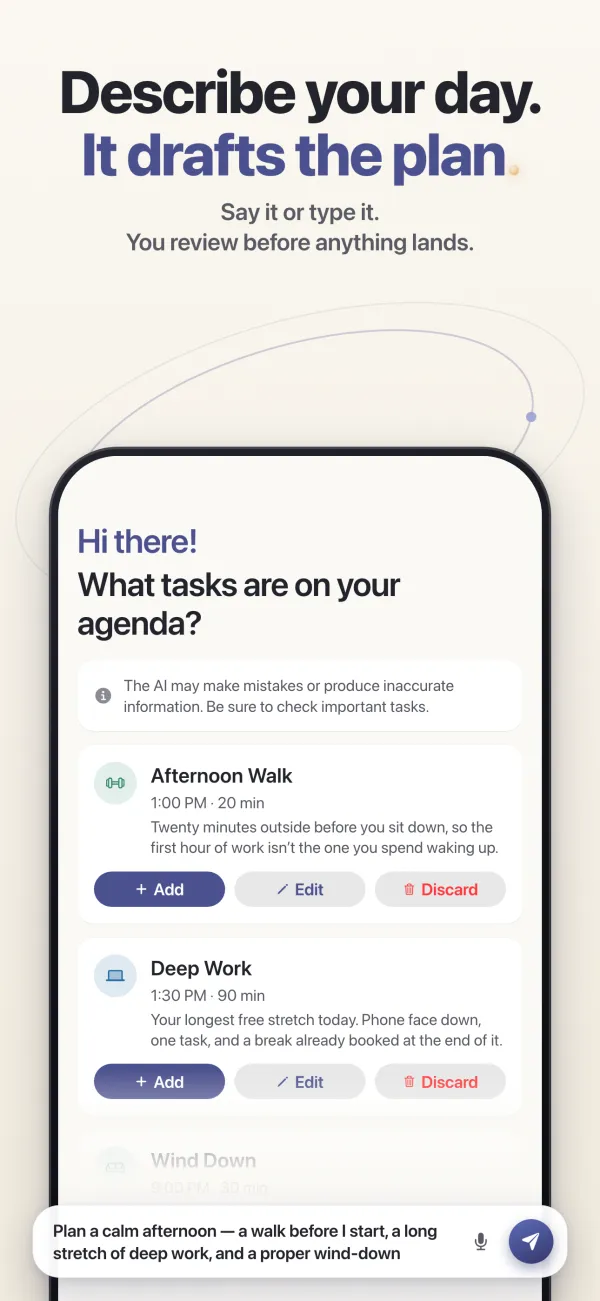
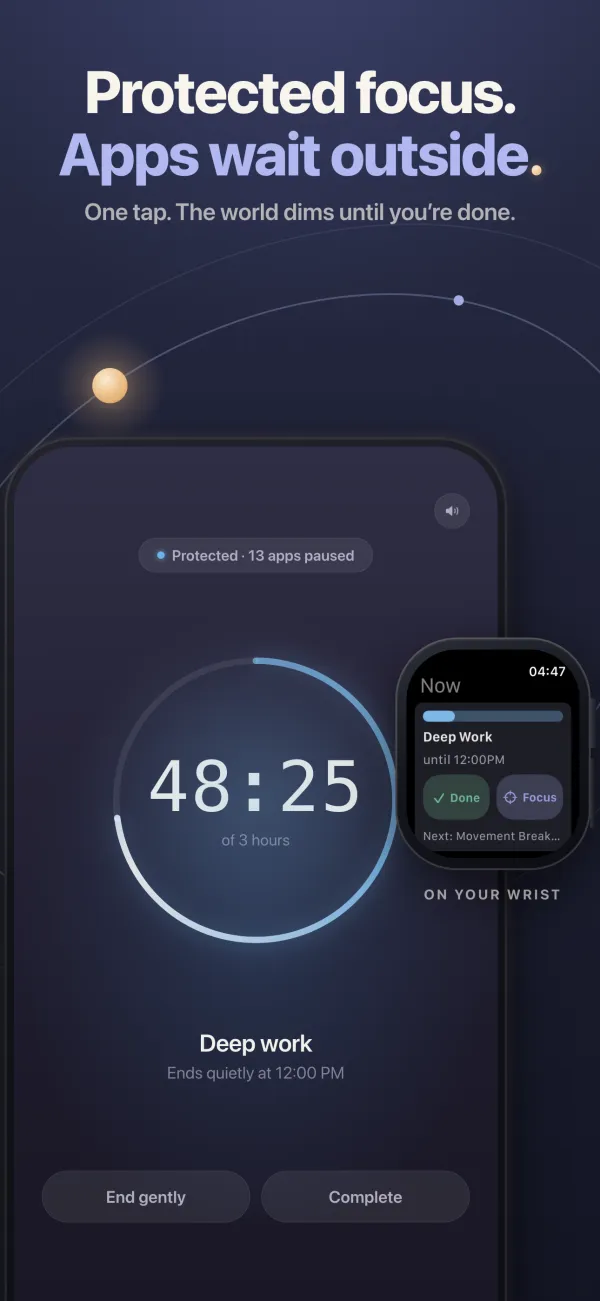
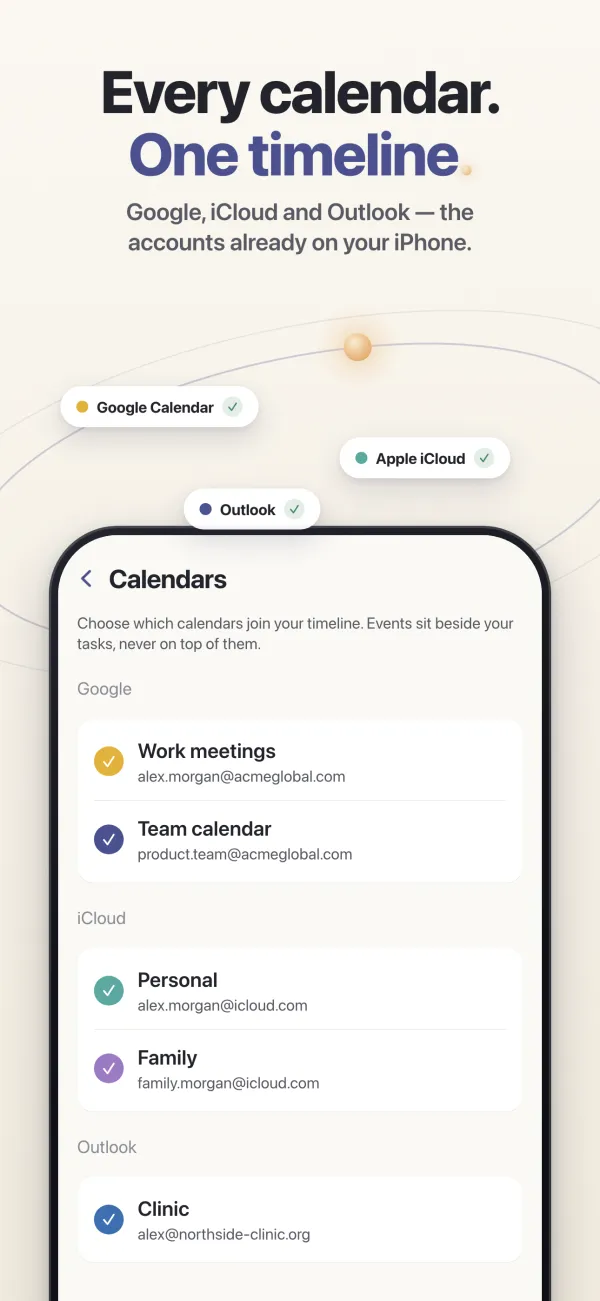
Tasks, events and breaks on a single timeline, with focus sessions that keep distracting apps closed until you’re done. Designed with ADHD in mind.

Available for iPhone, iPad, Mac, and Apple Watch

  • The day laid out as one vertical timeline of tasks and events, under the headline “Made for ADHD minds.”
  • Describing an afternoon in one sentence and reviewing the tasks Tempus suggests before adding them, under the headline “Describe your day. It drafts the plan.”
  • A focus session counting down with distracting apps paused, mirrored on Apple Watch, under the headline “Protected focus. Apps wait outside.”
  • Google, iCloud and Outlook calendars feeding one timeline, under the headline “Every calendar. One timeline.”

Risen

Lifestyle · Alarm clock

Wake up. For real.

An alarm you can’t silence from under the covers. Solve a puzzle, photograph something across the room or do a few push-ups — Risen stops once you’re really up.

Available for iPhone and iPad

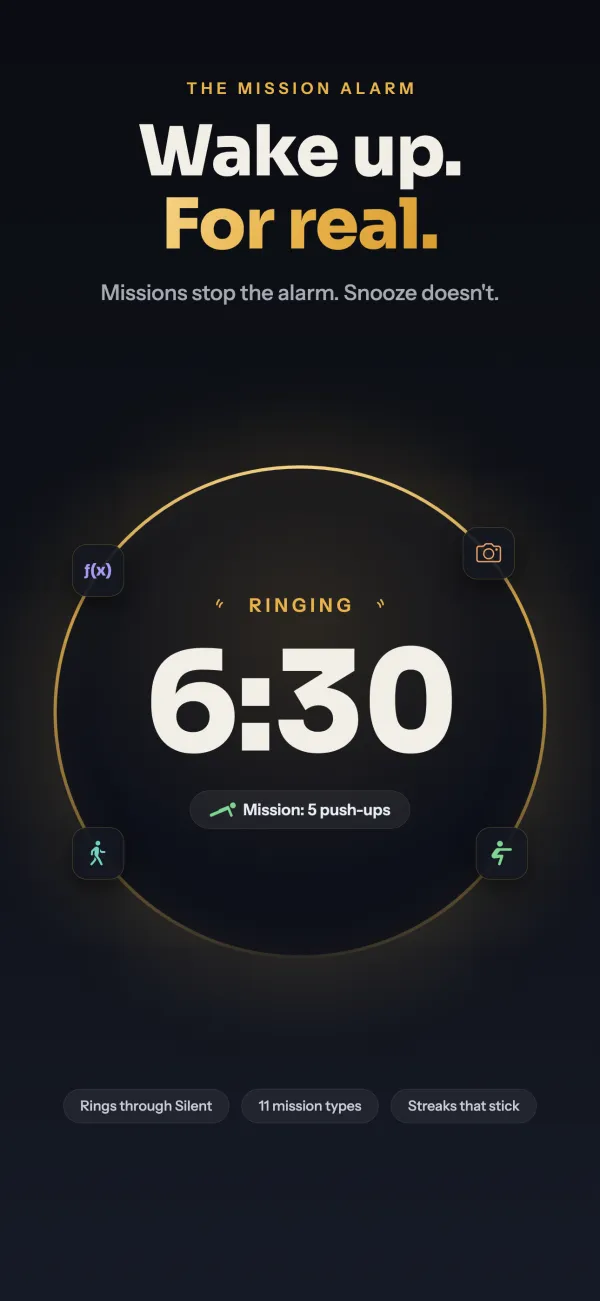
  • An alarm ringing at 6:30 with a push-up mission, under the headline “Wake up. For real.”
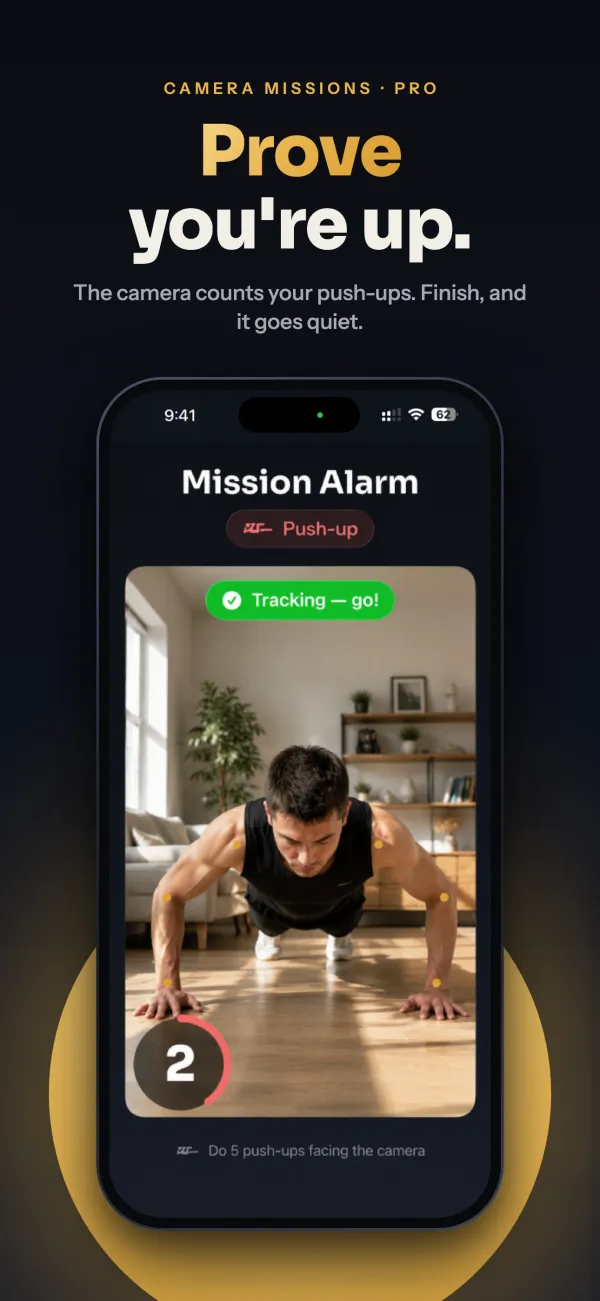
  • The camera counting push-ups to stop the alarm, under the headline “Prove you’re up.”
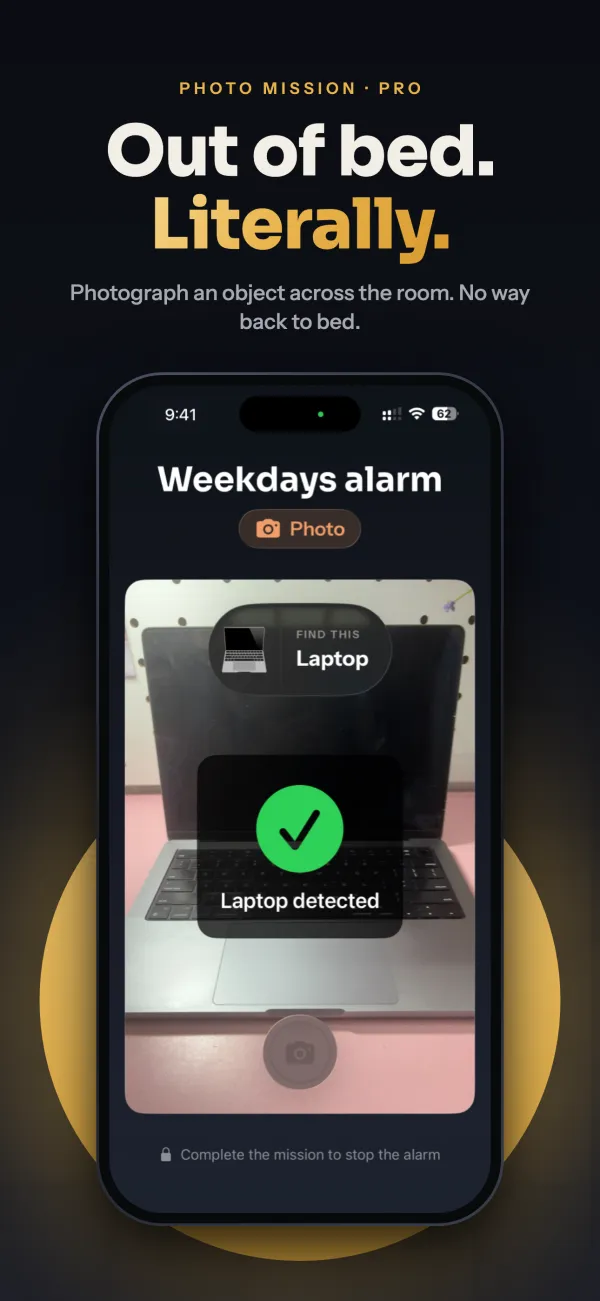
  • A photo mission recognising a laptop across the room, under the headline “Out of bed. Literally.”
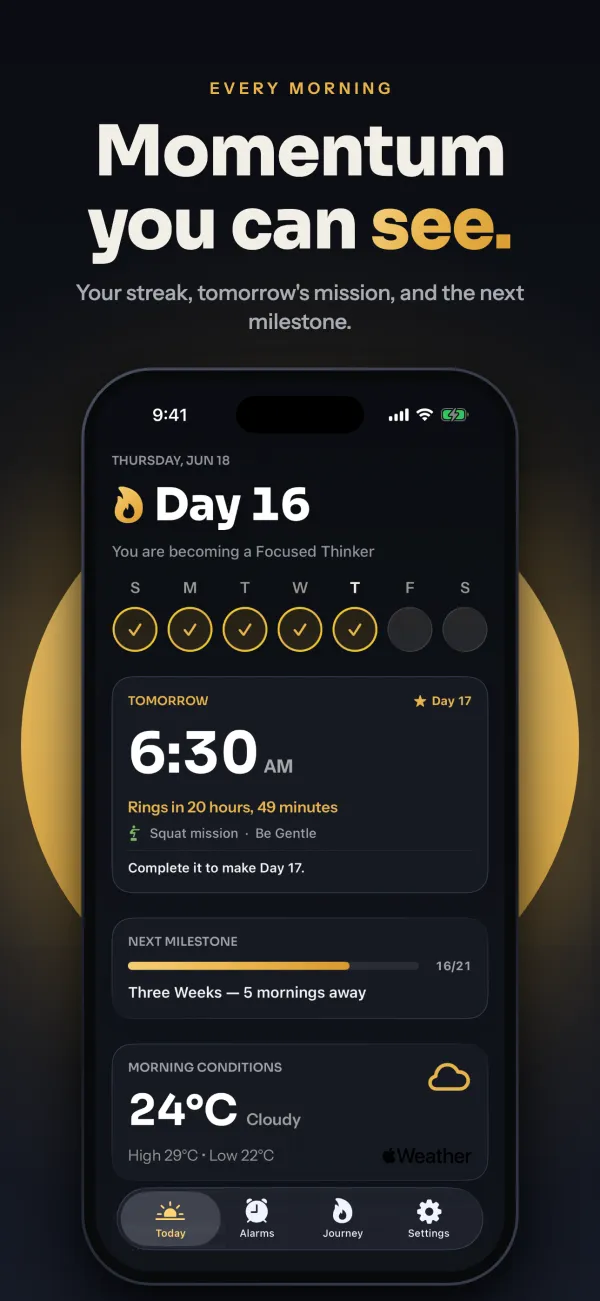
  • A sixteen-day wake-up streak with tomorrow’s alarm and the morning weather, under the headline “Momentum you can see.”

Mona

Finance · Personal finance

Know what you can spend.

Not just a balance — what you can actually spend today, once your budget and the bills still to come are counted. Add an expense by typing it the way you’d say it.

Available for iPhone and iPad

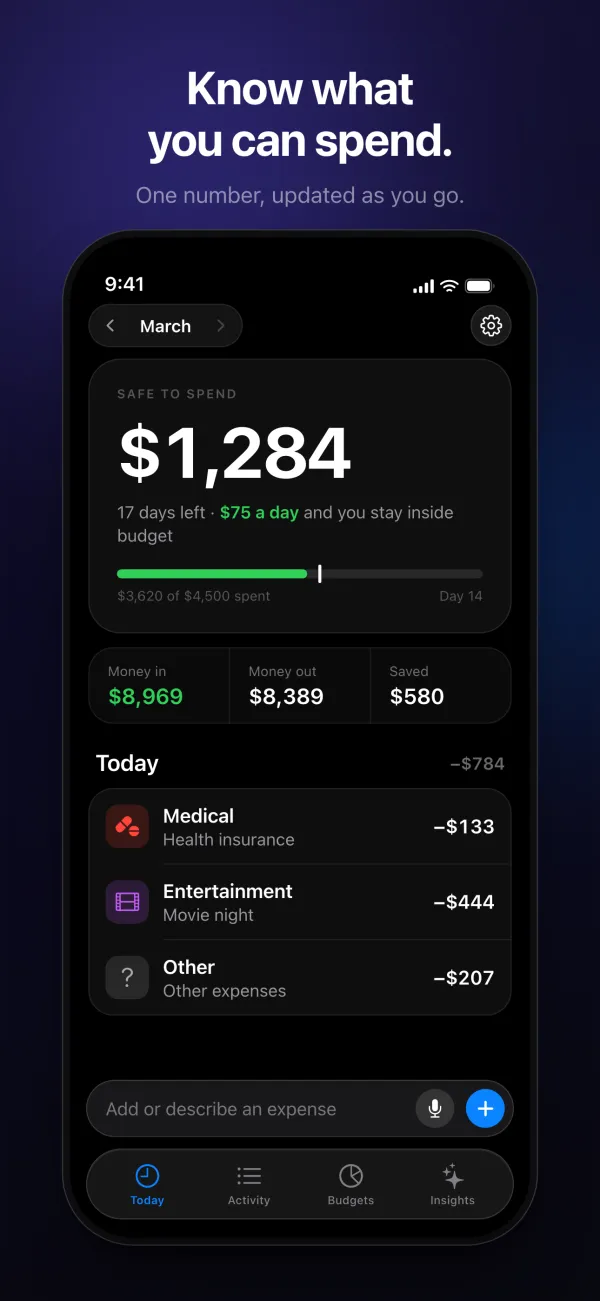
  • Safe to spend: $1,284 left for the month, or $75 a day, under the headline “Know what you can spend.”
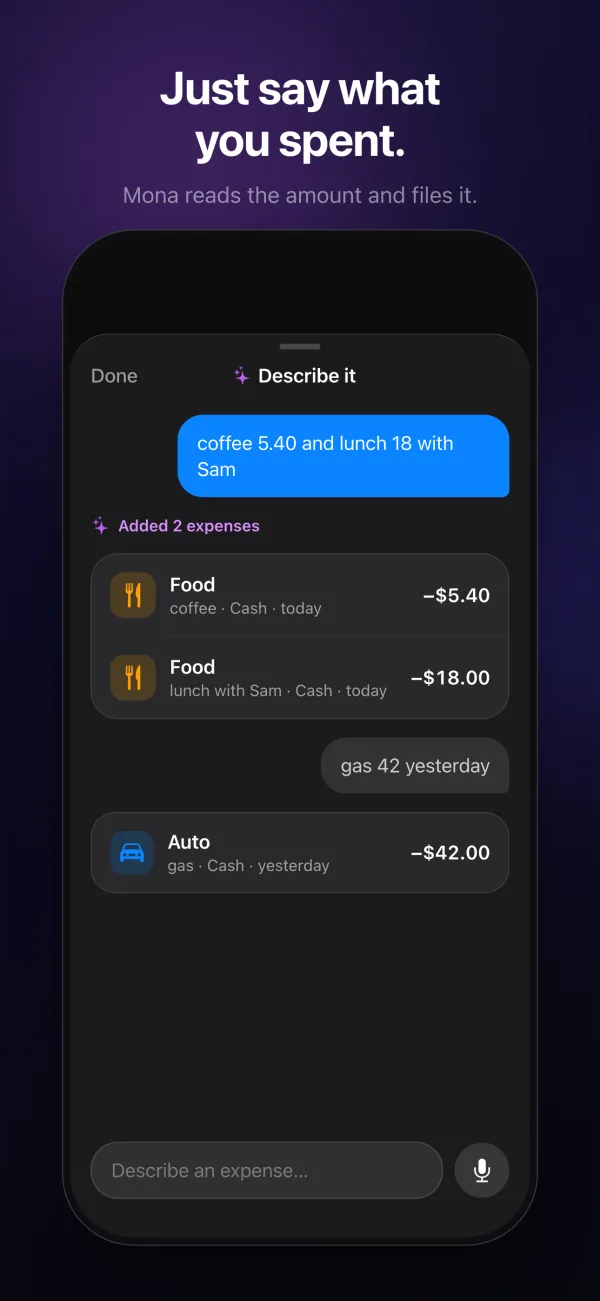
  • Typing “coffee 5.40 and lunch 18 with Sam” to add two expenses at once, under the headline “Just say what you spent.”
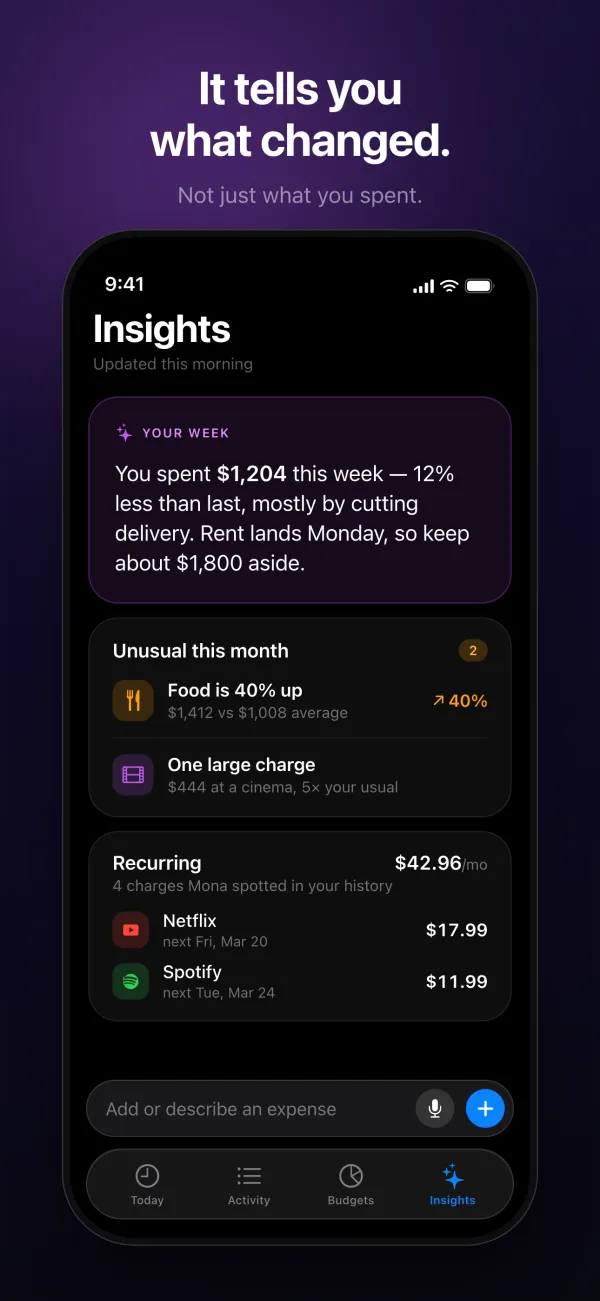
  • Insights explaining what changed in a week of spending, under the headline “It tells you what changed.”
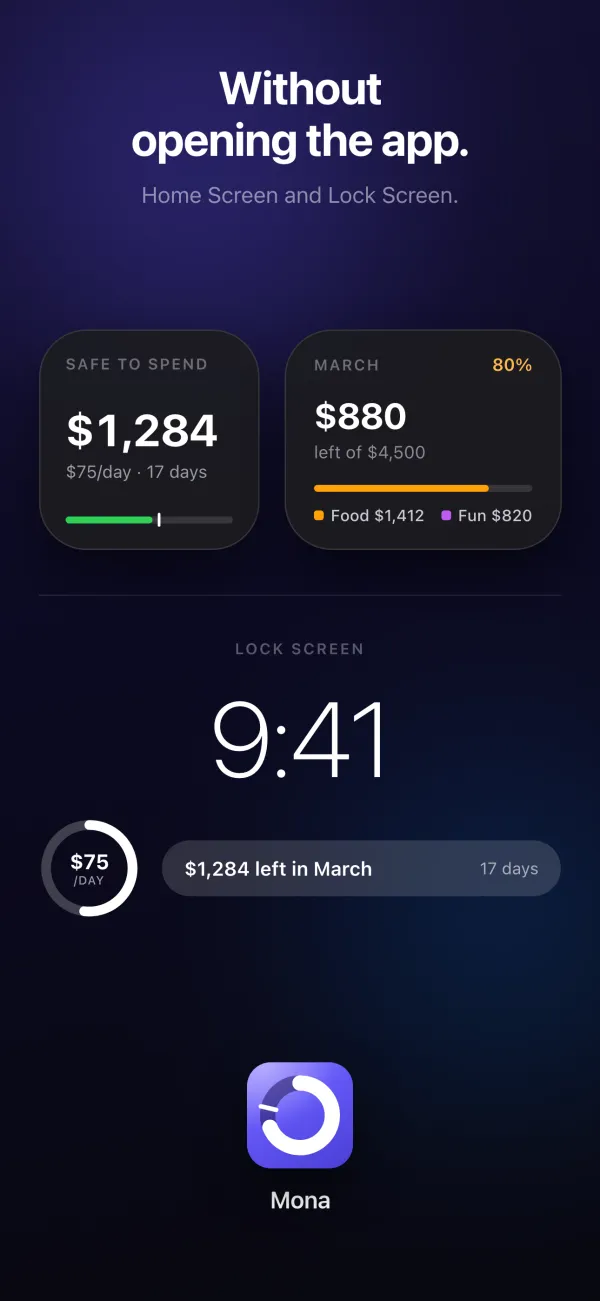
  • Mona’s Home Screen and Lock Screen widgets, under the headline “Without opening the app.”

Visty

Business · Business cards

Every card, a contact.

Scan a stack of business cards and get clean contacts back, with every field in the right place — ready for your address book, a spreadsheet or a vCard.

Available for iPhone and iPad

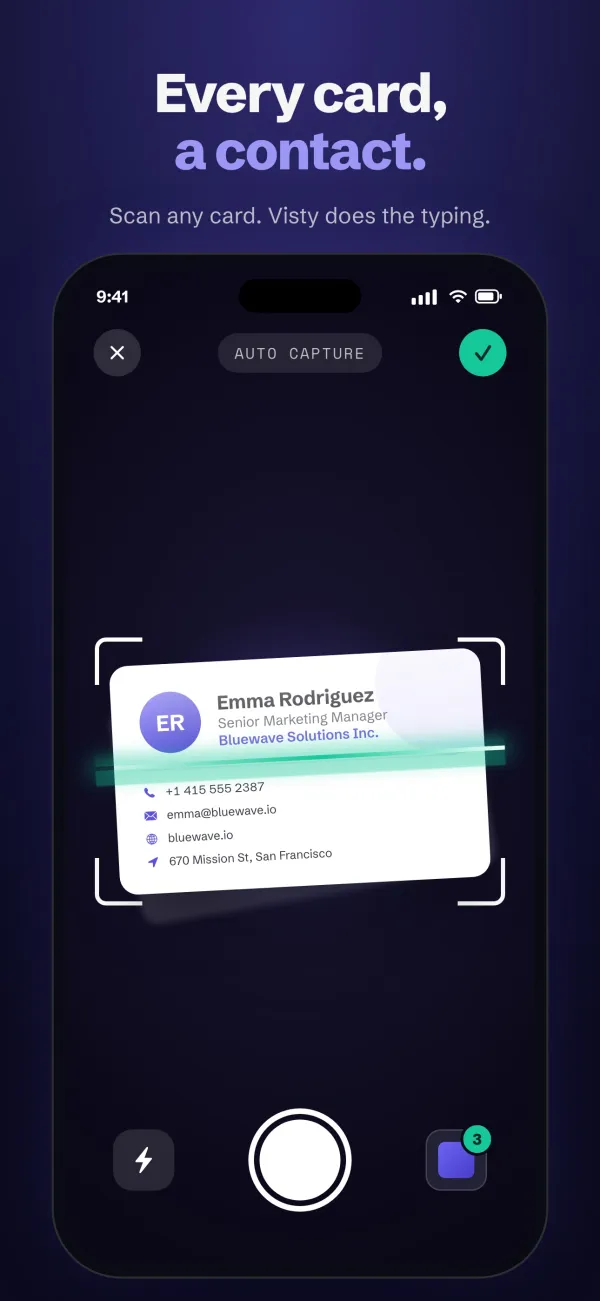
  • Scanning a business card with automatic capture, under the headline “Every card, a contact.”
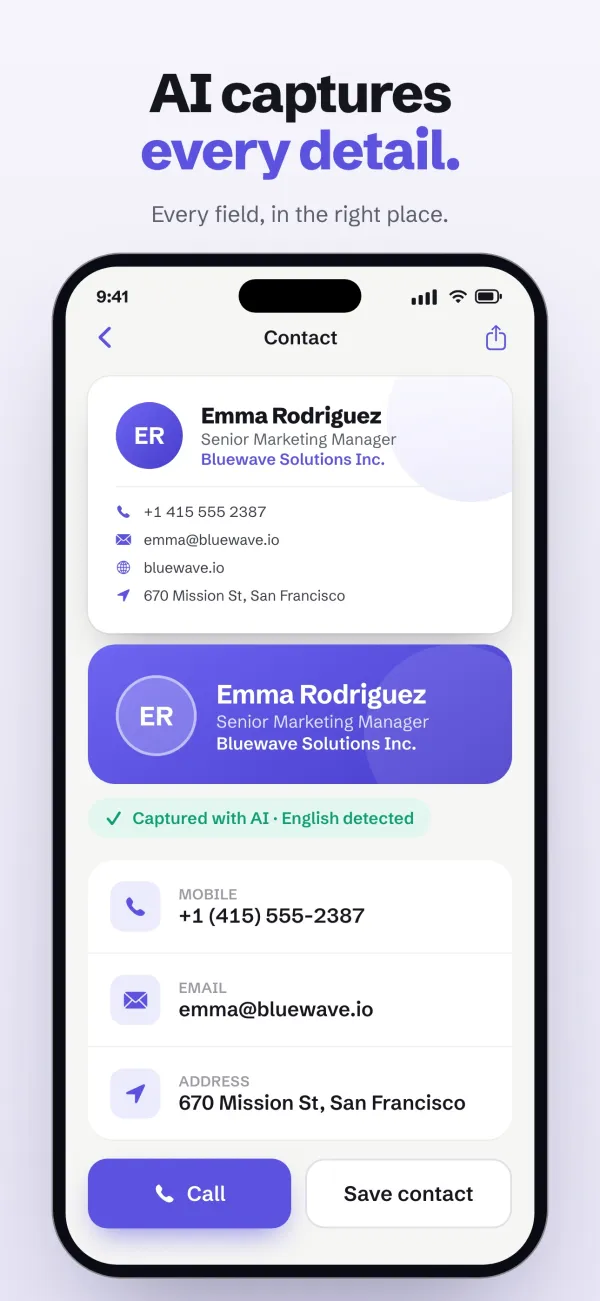
  • A scanned card turned into a contact with every field filled in, under the headline “AI captures every detail.”
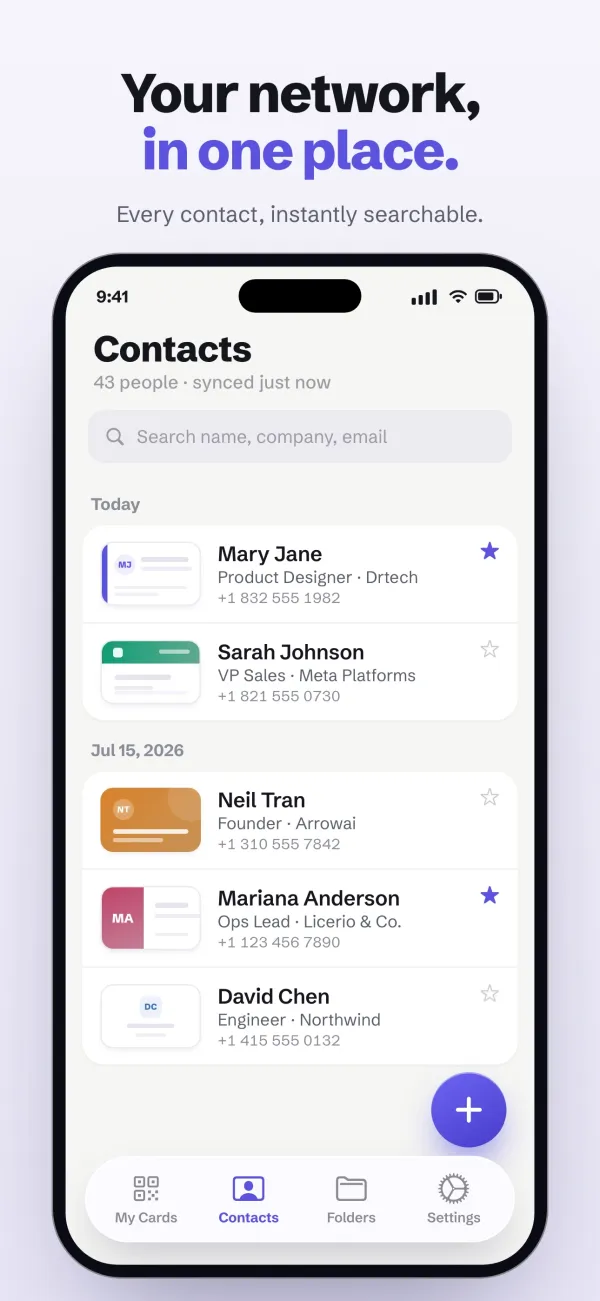
  • A searchable list of contacts collected from cards, under the headline “Your network, in one place.”
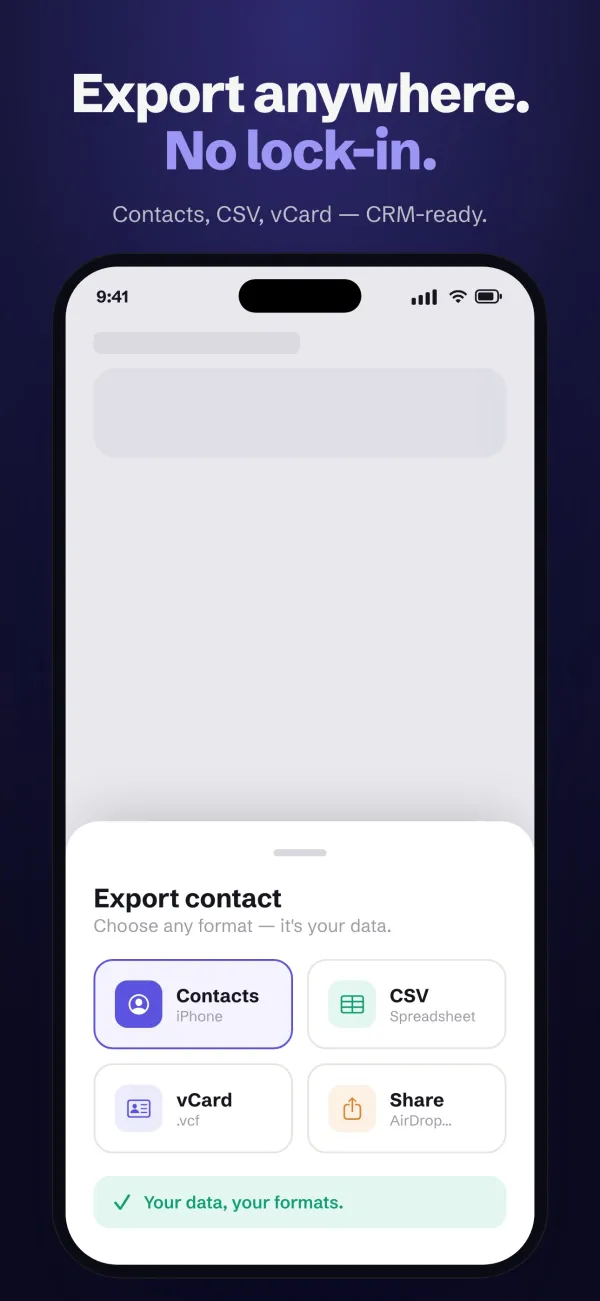
  • Exporting a contact to Contacts, CSV or vCard, under the headline “Export anywhere. No lock-in.”

Folda

Productivity · Document scanning

Sharp, searchable PDFs in seconds.

A document scanner that turns paper into clean, searchable PDFs, and reads every page right on your device — so any word in any scan is a search away.

Available for iPhone and iPad

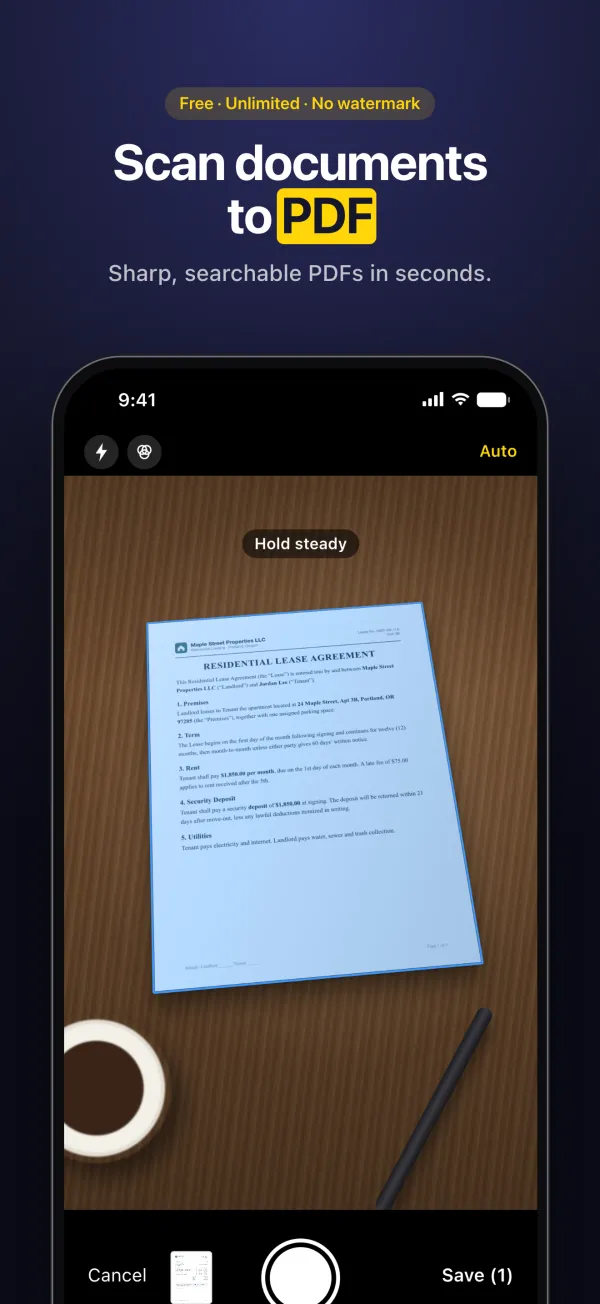
  • The document camera capturing a lease agreement, under the headline “Scan documents to PDF.”
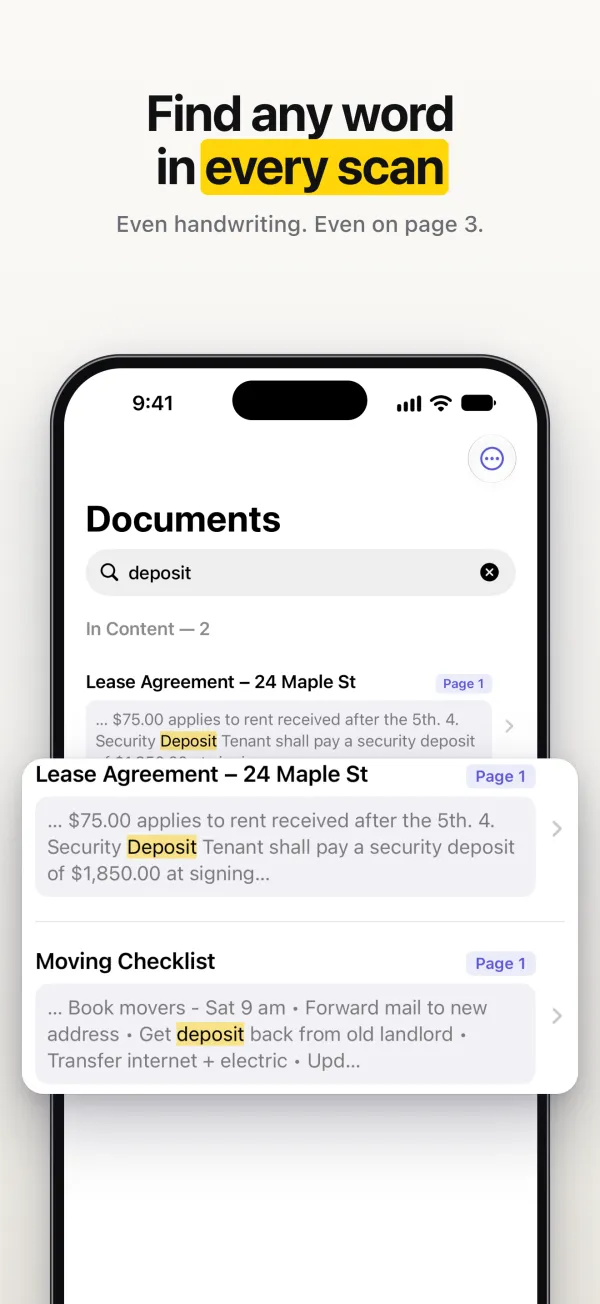
  • Searching every scan for the word “deposit”, under the headline “Find any word in every scan.”
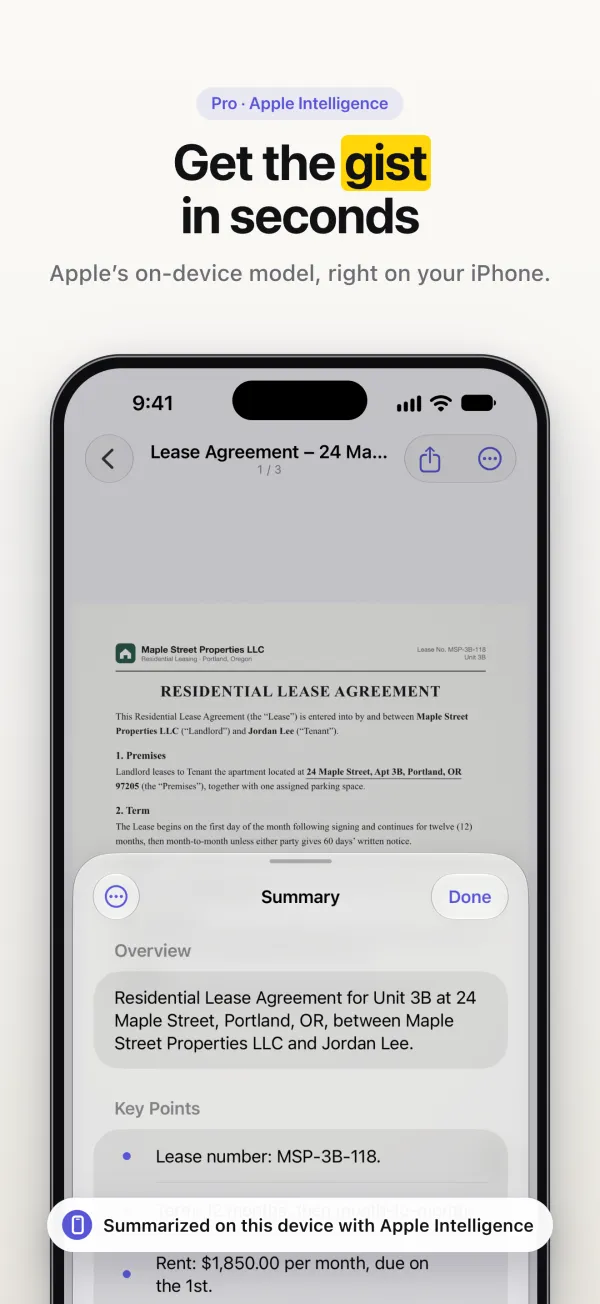
  • A summary of a lease written on the device, under the headline “Get the gist in seconds.”
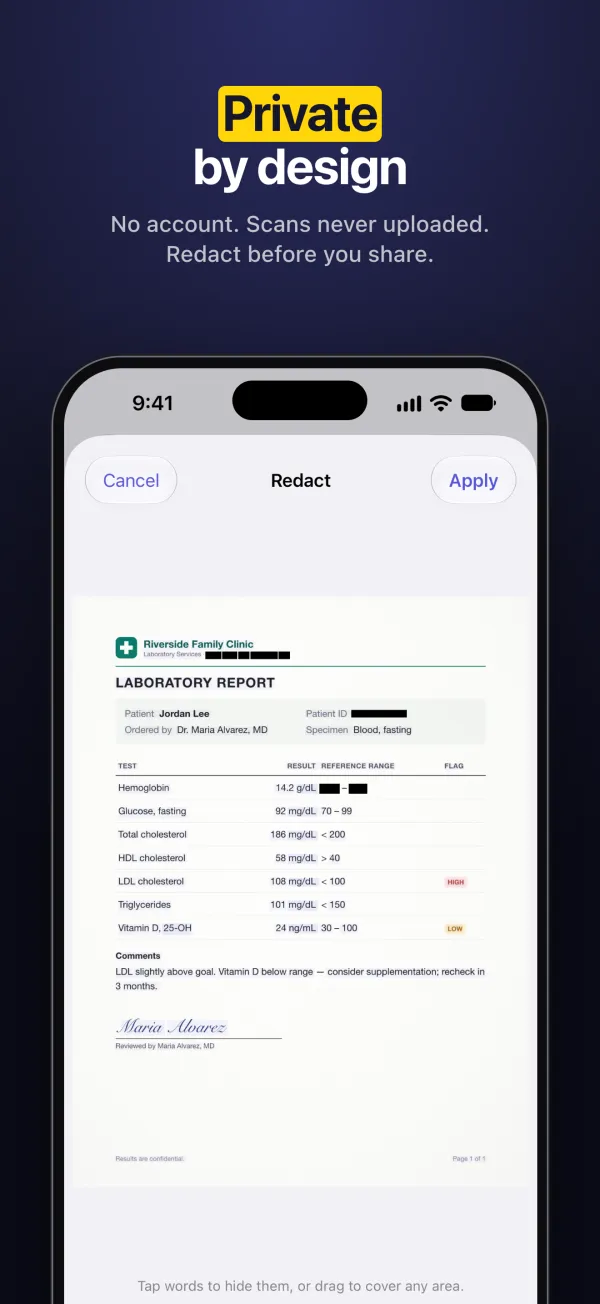
  • Redacting personal details in a report before sharing it, under the headline “Private by design.”

Every NAV LAB app is published under the same App Store developer account. See them all on the App Store.